
01 / GUIDE ATTENTION
Let them follow along.
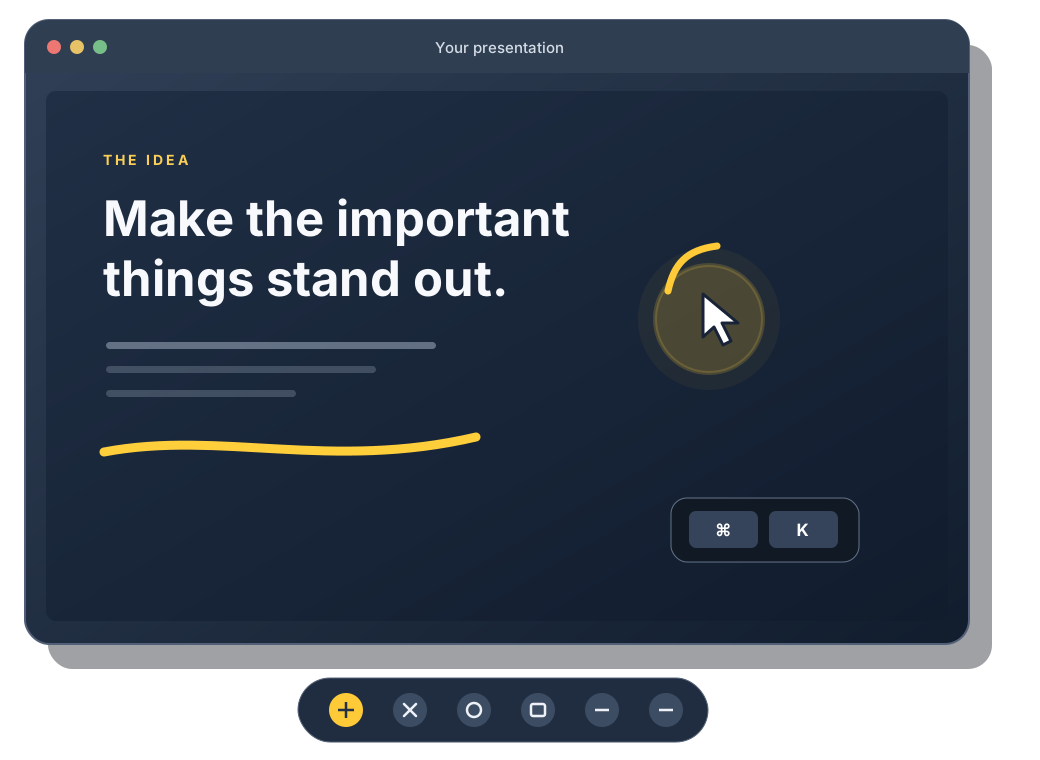
Highlight your cursor and bring attention to a part of the screen with a spotlight.
PRESENTATION TOOLS FOR MAC
Make every presentation easier to follow. Highlight your cursor, zoom in on details, and draw attention to what matters.
Now in beta on TestFlight · macOS 14 or later
MADE FOR THE MOMENT
Teaching a class, leading a workshop, or walking through a creative project? myPresenter Pro gives you simple ways to guide attention without interrupting your flow.
YOUR ON-SCREEN TOOLKIT
Everything you need to make the small details feel easy to follow.
Highlight your cursor and bring attention to a part of the screen with a spotlight.
Magnify part of your screen, and adjust the lens size and zoom level to suit your presentation.
Draw and annotate on screen, use a whiteboard, and export your drawings as PNG files.
Display keystrokes and click feedback so your audience can follow the actions behind your workflow.
Input Monitoring is optional for keystrokes and click feedback. Screen magnification separately requires Screen Recording permission.
IN ACTION
A quick, upbeat tour of every tool, animated from myPresenter Pro 1.0 screenshots. Some effects are illustrated.
PRESENT YOUR WAY
Adjust the look and feel of your presentation tools, then save settings profiles for the way you work.
TESTFLIGHT BETA · NOW OPEN
myPresenter Pro is ready for beta testers. Sign up and I’ll add you to the TestFlight beta, so you can use the app before it reaches the Mac App Store and tell me what to improve.
The beta is free to join, and nothing you try in a TestFlight build is charged. Beta builds expire after 90 days and are replaced by newer ones.
CREATED BY TC. ISAZALY ISA
Questions about myPresenter Pro? We’re happy to help.